
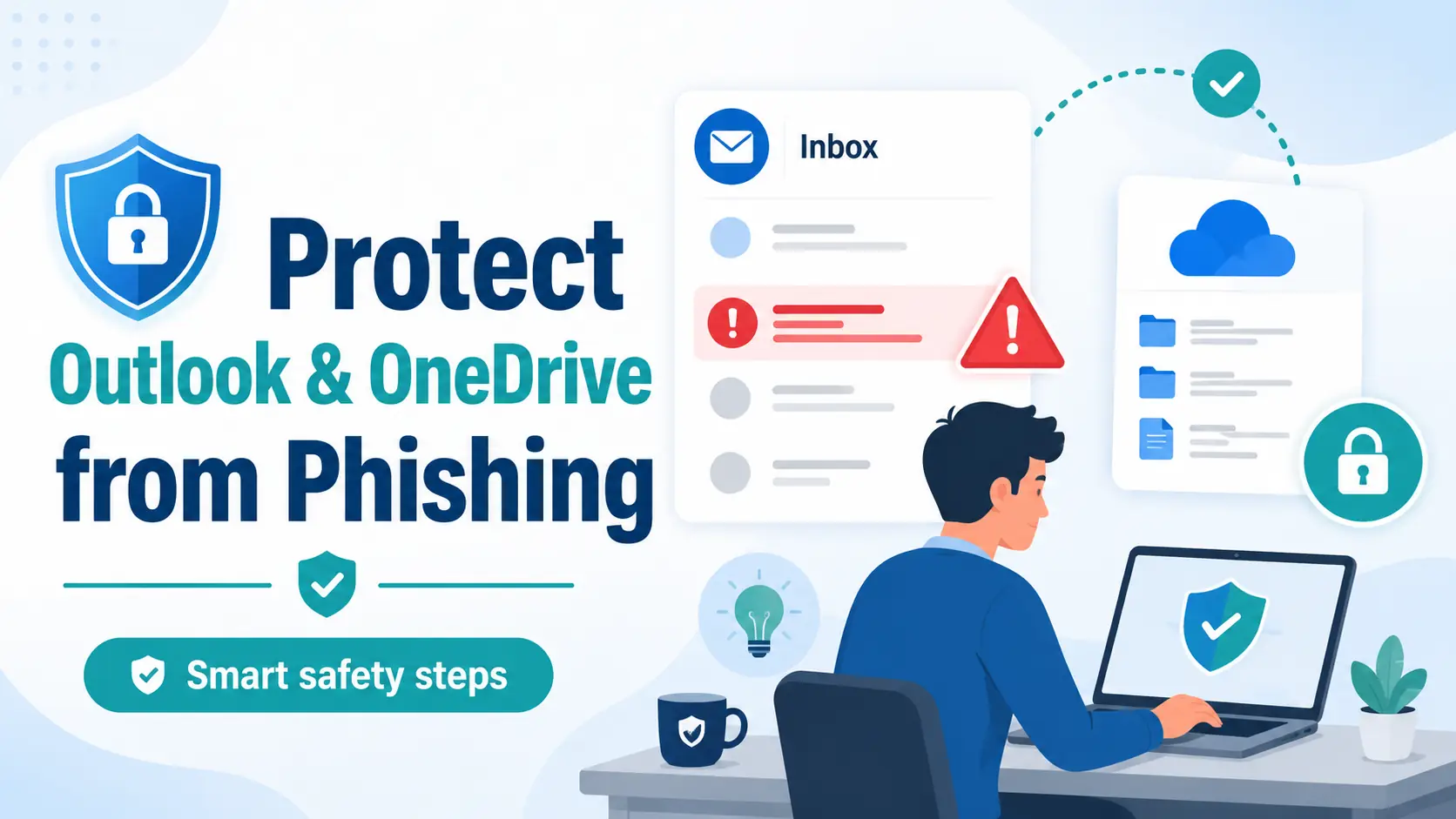
To protect Outlook OneDrive from phishing, treat every unexpected file-share email, sign-in prompt, password warning, and device-code request as something to verify before you click. Use trusted websites or apps, […]
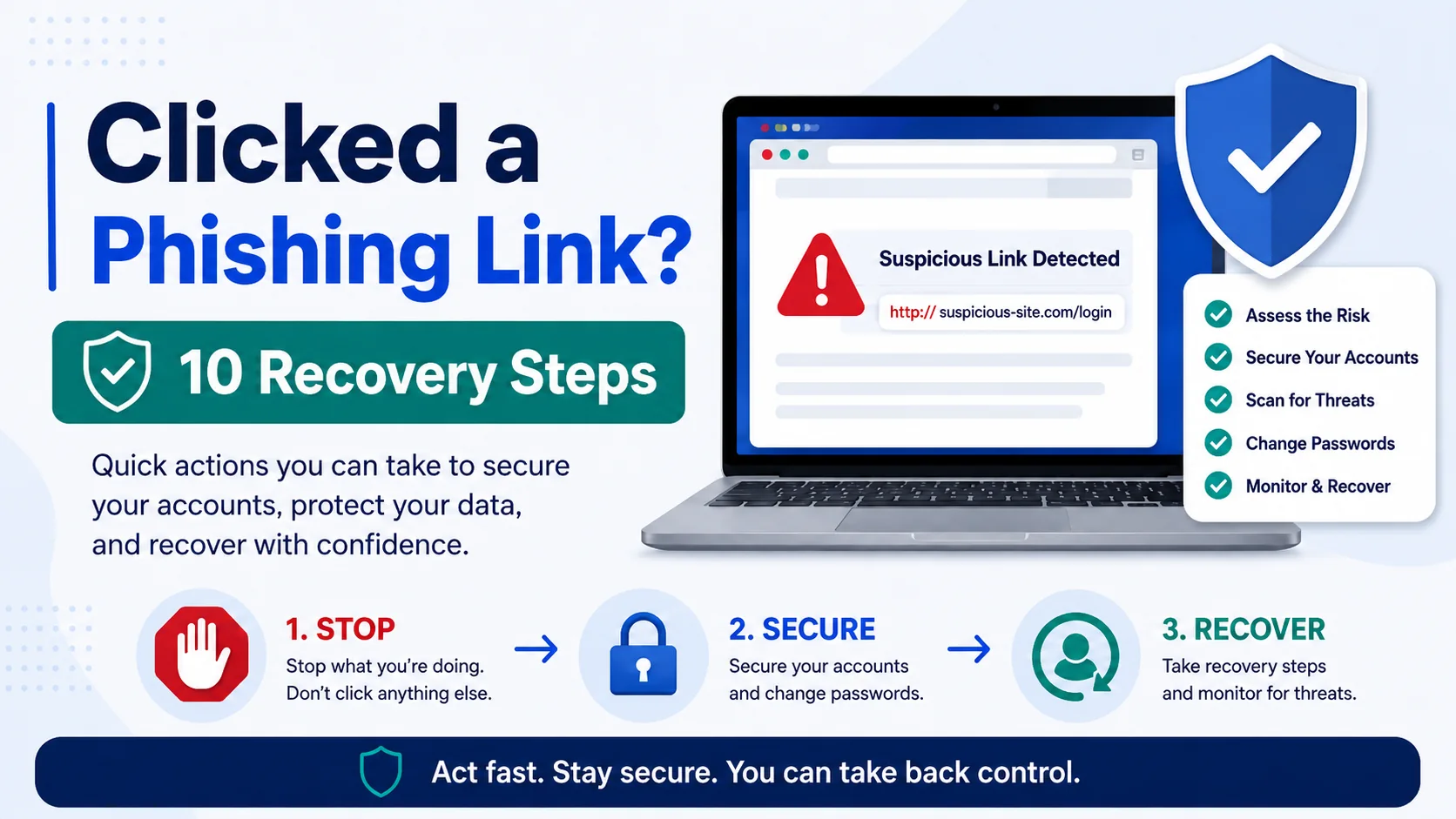
Clicked Phishing Link What to Do: 10 Recovery Steps
Clicked phishing link what to do: first, do not enter any more information. Close the page, disconnect from the internet if you downloaded something suspicious, and go directly to the […]
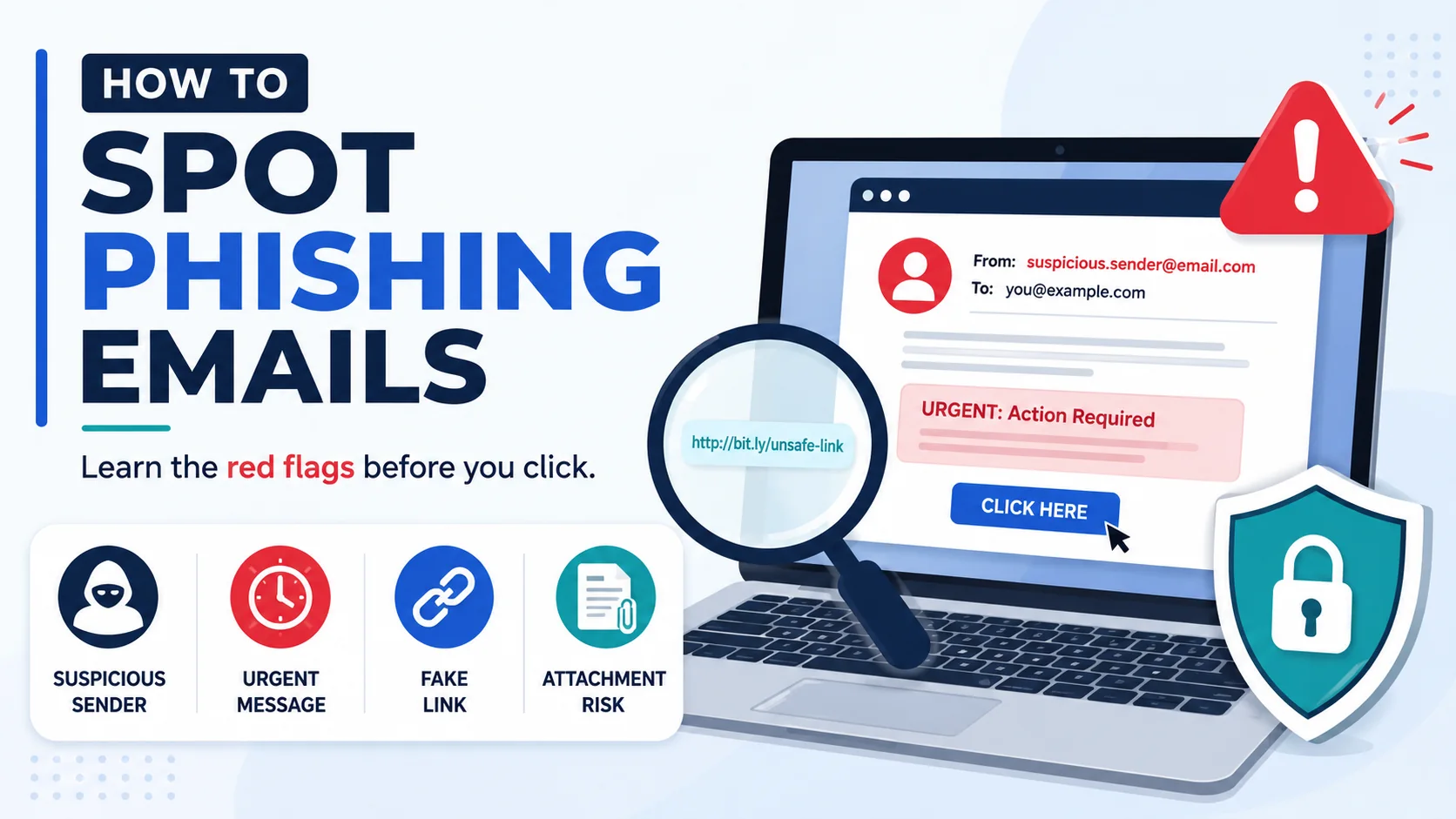
How to Spot Phishing Emails: Red Flags & Examples
To how to spot phishing emails quickly, look for a message that pushes you to act fast, asks for passwords or verification codes, includes an unexpected link or attachment, uses […]
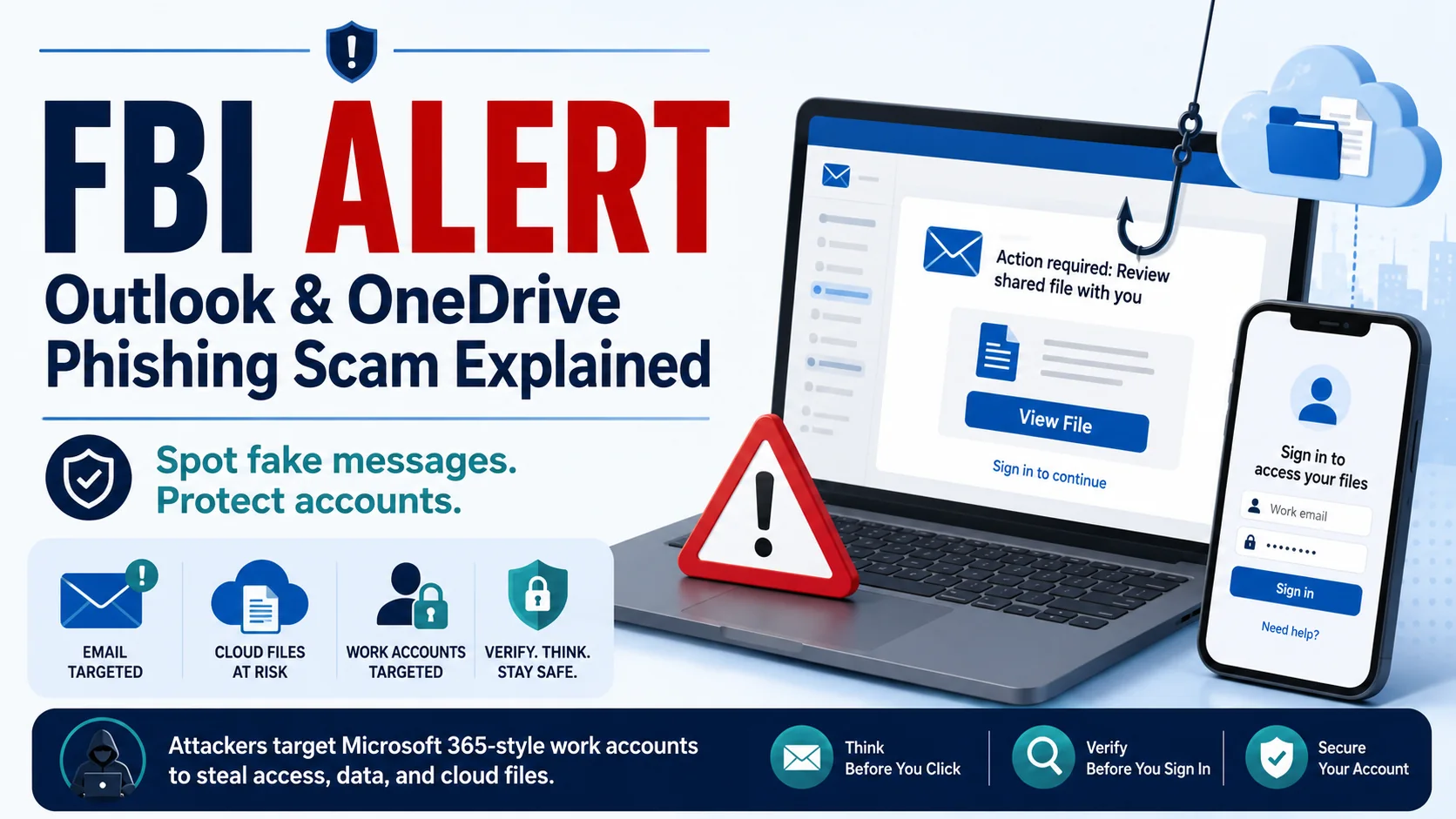
FBI Alert Outlook OneDrive: Phishing Scam Explained
FBI alert Outlook OneDrive searches are rising because the FBI IC3 warned about Kali365 phishing, a phishing-as-a-service threat connected to Microsoft 365 account access. In simple terms, attackers may send […]
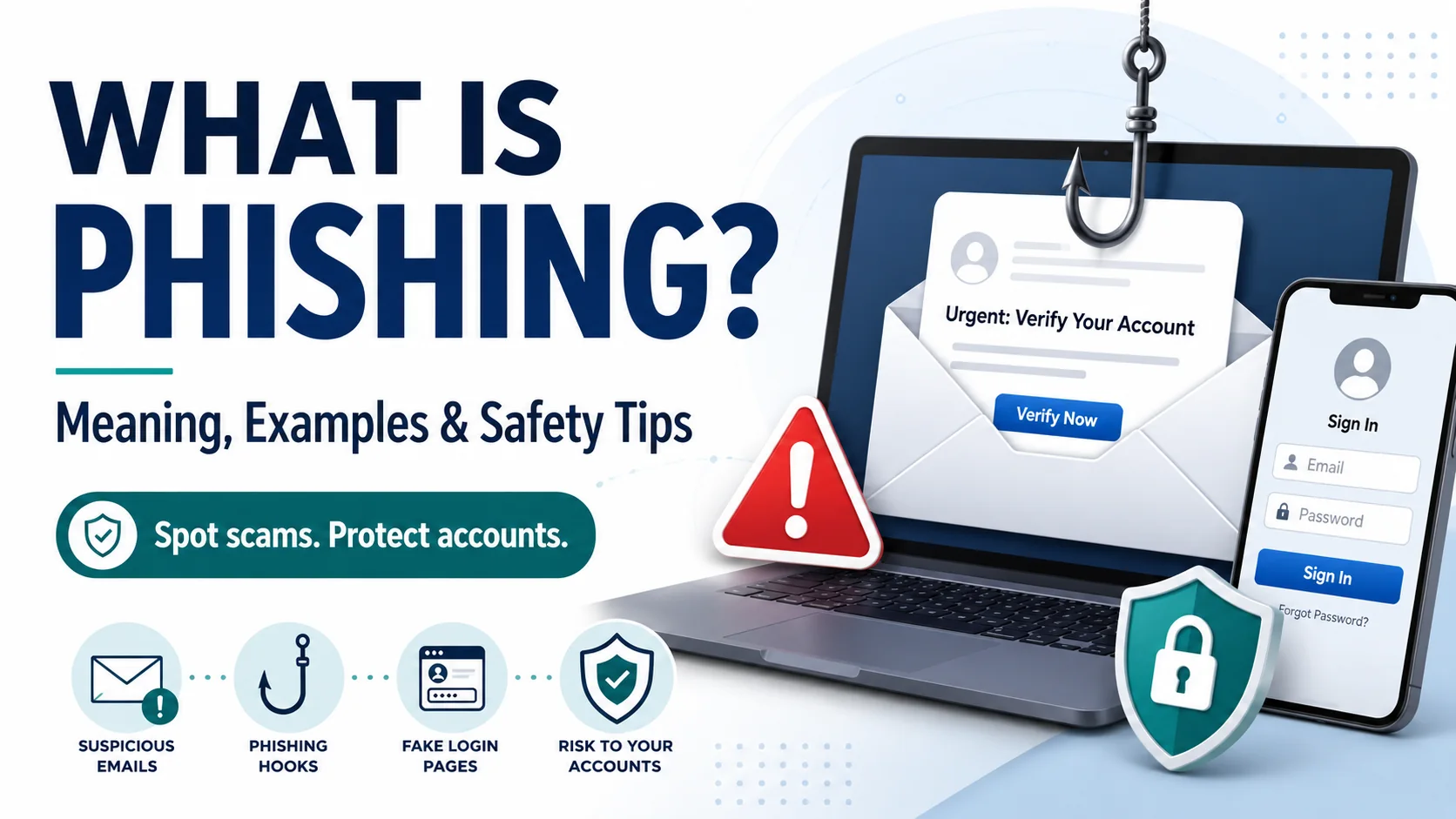
What Is Phishing? Meaning, Examples & Safety Tips
What is phishing? Phishing is a cyber scam where criminals pretend to be a trusted person, company, bank, delivery service, government agency, school, or workplace tool so they can trick […]