
What is Cloud Storage? 7 Powerful Basics Every Beginner Should Know
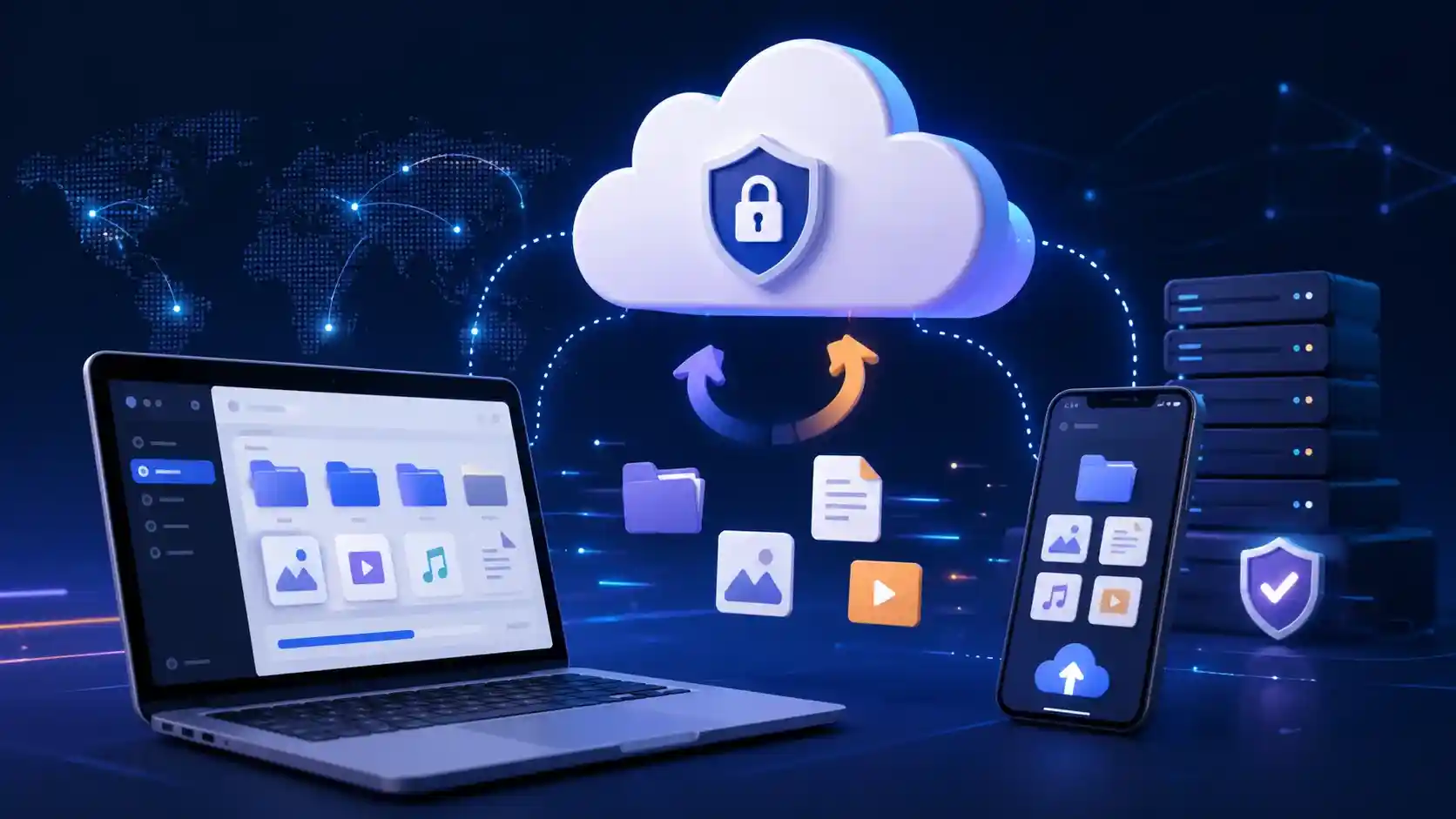
I like to explain cloud storage with a simple example: it is like renting a locker in a digital bank.
You still own your files. But instead of keeping them only in one local device, you store them in a professionally managed facility that you can reach from almost anywhere.
For beginners, small business owners, and tech students, cloud storage is one of the most useful cloud computing ideas to understand first. It affects phone backups, business documents, website files, app data, security cameras, and even AI tools that need large data access.
How Does Cloud Storage Work? (Behind the Scenes)
So, how does cloud storage work in real life?
When you upload a file to a cloud service, your device sends that file through the internet to a cloud provider’s storage system. That provider stores the file inside large data centers filled with servers, storage drives, networking equipment, backup power, cooling systems, and security controls.
But you do not see all of that.
You just see a simple upload button. That is the point. Cloud storage hides the heavy engineering behind a clean user experience.
Data centers: the physical home of cloud storage
A data center is the building where the real hardware lives. Inside it, there are racks of servers and storage systems. These machines hold the data.
Cloud companies invest heavily in power backup, cooling, network connections, physical security, and hardware replacement. For a small business, building that setup alone would be expensive. Cloud storage lets you rent a small part of that power.
Virtualization: the invisible organizer
Virtualization is one reason cloud storage feels flexible. Instead of giving every customer a separate physical hard drive, the cloud platform uses software to divide and manage storage resources.
It is like an apartment building. You do not own the whole building. You rent one unit, but the building still has shared plumbing, electricity, security, and maintenance.
Servers: the workers behind the screen
Servers receive, store, process, and send your data back when needed. When you open a file from cloud storage, the system checks your permission, finds the file, and delivers it to your device.
If one storage machine has a problem, a well-designed system can often serve the data from another copy. That is why cloud storage can feel more reliable than one laptop hard drive sitting on a desk.
5 Major Advantages of Cloud Storage for Beginners
The advantages of cloud storage become clear when you stop thinking only about storage space and start thinking about access, safety, and flexibility.
Cost-saving
You do not need to buy expensive servers for basic storage needs. Start small and grow only when needed.
Scalability
If your data grows from 10 GB to 1 TB, cloud storage can scale faster than local hardware.
Accessibility
Access files from your laptop, phone, office desktop, or shared team folder.
Security controls
Good providers offer permissions, encryption, activity logs, and recovery options.
Backup
If your device breaks, you can sign in from another device and recover important files.
For example, an online store may start with product images and invoices. Later, it may add support videos, downloadable files, analytics exports, and backups. Cloud storage can grow with that business.
The 3 Main Types of Cloud Storage You Should Know
The types of cloud storage can be explained in two common ways.
First, there are storage formats like object, file, and block storage. AWS explains that object, file, and block storage are different approaches for storing data in the cloud for remote access over a network.
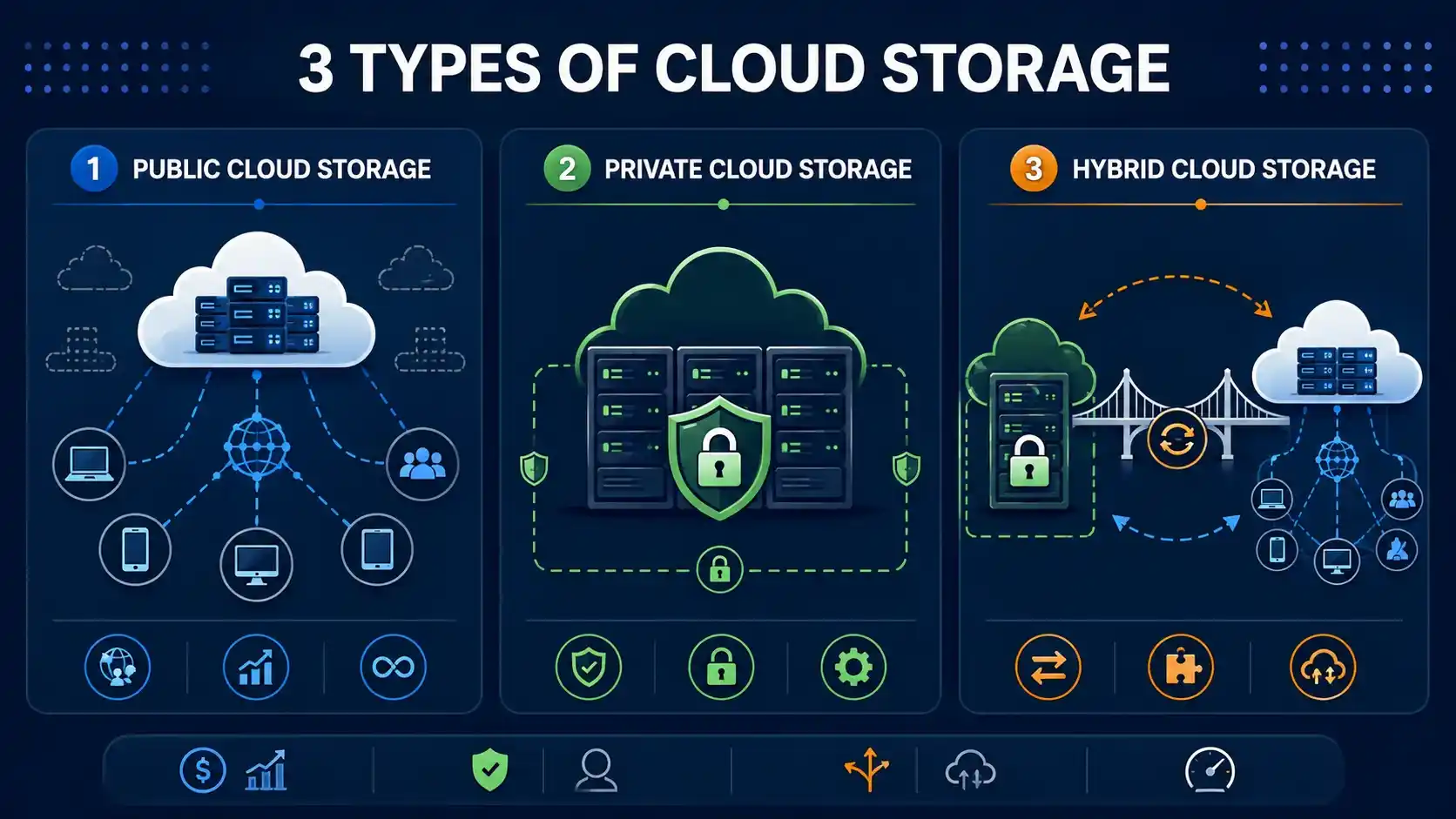
Second, there are deployment models. For beginners and business owners, deployment models are often easier to understand first: public cloud storage, private cloud storage, and hybrid cloud storage.
Public cloud storage
Public cloud storage is provided by companies that manage the infrastructure for many customers. You rent storage from a provider. You do not manage the physical data center.
Example: A small design agency stores project files in a cloud folder so designers, clients, and managers can collaborate without emailing huge files again and again.
Private cloud storage
Private cloud storage is used by one organization only. It may run in that company’s own data center or in a dedicated cloud environment. The main idea is more control.
Example: A hospital, bank, or government department may need stricter control over patient records, financial data, or citizen information.
Hybrid cloud storage
Hybrid cloud storage combines private and public cloud storage. Sensitive data can stay in a private environment, while less sensitive files, backups, analytics, or public-facing content can use public cloud storage.
| Cloud Storage Type | Cost | Security Level | Best Use Case |
|---|---|---|---|
| Public Cloud Storage | Usually lowest to start | Good, depends on settings and provider | Students, creators, startups, file sharing, backups |
| Private Cloud Storage | Higher setup and management cost | High control and customization | Banks, hospitals, enterprises, compliance-heavy data |
| Hybrid Cloud Storage | Medium to high, depends on setup | Balanced: private control plus public flexibility | Growing businesses, sensitive records, scalable workloads |
Why Hybrid Cloud Storage is the Ultimate Sweet Spot
Hybrid cloud storage is often the best middle path for businesses that want control without giving up flexibility.
I see it like this: not every file deserves the same storage treatment. A public product image is not the same as a private customer record. A marketing PDF is not the same as a payroll database.
Hybrid storage lets a business separate data by risk and purpose.
- Customer records can stay in private storage.
- Public website assets can use public cloud storage.
- Old backups can move to cheaper cloud storage.
- Analytics data can run in scalable cloud systems.
- Sensitive internal files can stay behind stricter access rules.
This helps businesses avoid two common mistakes. First, putting everything in cheap public storage without planning. Second, putting everything in expensive private storage even when it is not needed.
Hybrid is practical. It gives choice. IBM describes hybrid cloud as a model that combines public cloud, private cloud, and on-premises infrastructure into one flexible environment.
Cloud plus offline backup is safer
Cloud storage is powerful, but I do not treat it as the only backup layer. For important files, use cloud storage for access and remote backup, and use hardware storage for an offline backup copy.
Affiliate Disclosure: This article contains affiliate links. If you buy through these links, InfoJustify may earn a small commission at no extra cost to you.
Real-World Examples of Cloud Storage
Student notes and assignments
A tech student stores lecture notes, PDFs, coding projects, and presentations in cloud storage. If the laptop fails before an exam, the files are still available.
Small business invoices
A small business owner keeps invoices, tax documents, client files, and contracts in cloud folders. The owner can share one folder with an accountant instead of sending scattered email attachments.
Website media and backups
A blogger or website owner may store images, backups, downloadable files, and content drafts in cloud storage. This makes recovery easier when a plugin update breaks something or a local device fails.
Team collaboration
A remote team uses shared cloud folders for project documents. Everyone sees the latest version. No more “final-final-v3-real-final.docx” chaos.
Cloud Storage Safety: What Beginners Should Check
Cloud storage can be safe, but only when you use it properly. Before trusting any platform, check the basics.
- Does it support two-factor authentication?
- Can you control who sees each file?
- Can you recover deleted files?
- Does it offer version history?
- Is data encrypted in transit?
- Can you export your files if you leave?
For small businesses, I suggest one simple policy: do not let every team member access every folder. Give access based on need. That one habit prevents many accidental leaks.
Final Takeaway
What is cloud storage in simple words? It is internet-based storage that lets you save, access, share, and protect data without depending only on one local device.
For beginners, it means convenience. For students, it means safer access to notes and projects. For small businesses, it means flexible storage, better collaboration, and stronger backup planning.
The smart approach is not “cloud vs local.” The smart approach is cloud plus local backup, with the right storage type for the right data.
Start simple. Organize your folders. Turn on two-factor authentication. Keep one offline backup for critical files. That is a clean, beginner-friendly cloud storage setup.
Frequently Asked Questions
Is cloud storage safe?
Yes, cloud storage can be safe when you use strong passwords, two-factor authentication, trusted providers, and careful sharing settings. The biggest risks often come from weak passwords or incorrect file permissions.
What is the best cloud storage for personal use?
The best cloud storage for personal use depends on your device ecosystem, budget, and storage needs. Google Drive, iCloud, OneDrive, and Dropbox are common beginner-friendly choices.
Can cloud storage work without internet?
Cloud storage needs internet for syncing and remote access. Some services let you keep offline copies on your device, but new uploads, downloads, and updates need an internet connection.
Article Details
Helpful Focus Areas
Related InfoJustify Links
Authority references used in the article: AWS storage comparison and IBM public, private, and hybrid cloud guide.
One thought on “What is Cloud Storage ? 7 Best Basics”