
Best Free AI Voice Generators for Faceless YouTube Shorts
I tested the best free AI voice generators for faceless YouTube Shorts with one simple goal: can they help me make a 30–60 second Short without boring the viewer in the first 3 seconds?
Because that is the real problem. If the voice sounds sleepy, robotic, or too documentary, people swipe. Fast.
Quick Answer: The best free AI voice generators for faceless YouTube Shorts are CapCut AI Voice, TikTok Text-to-Speech, and TTSMaker. I would start with CapCut if you want voice, captions, editing, and export in one place. I would use TTSMaker when I need a quick downloadable voiceover file for batch Shorts.
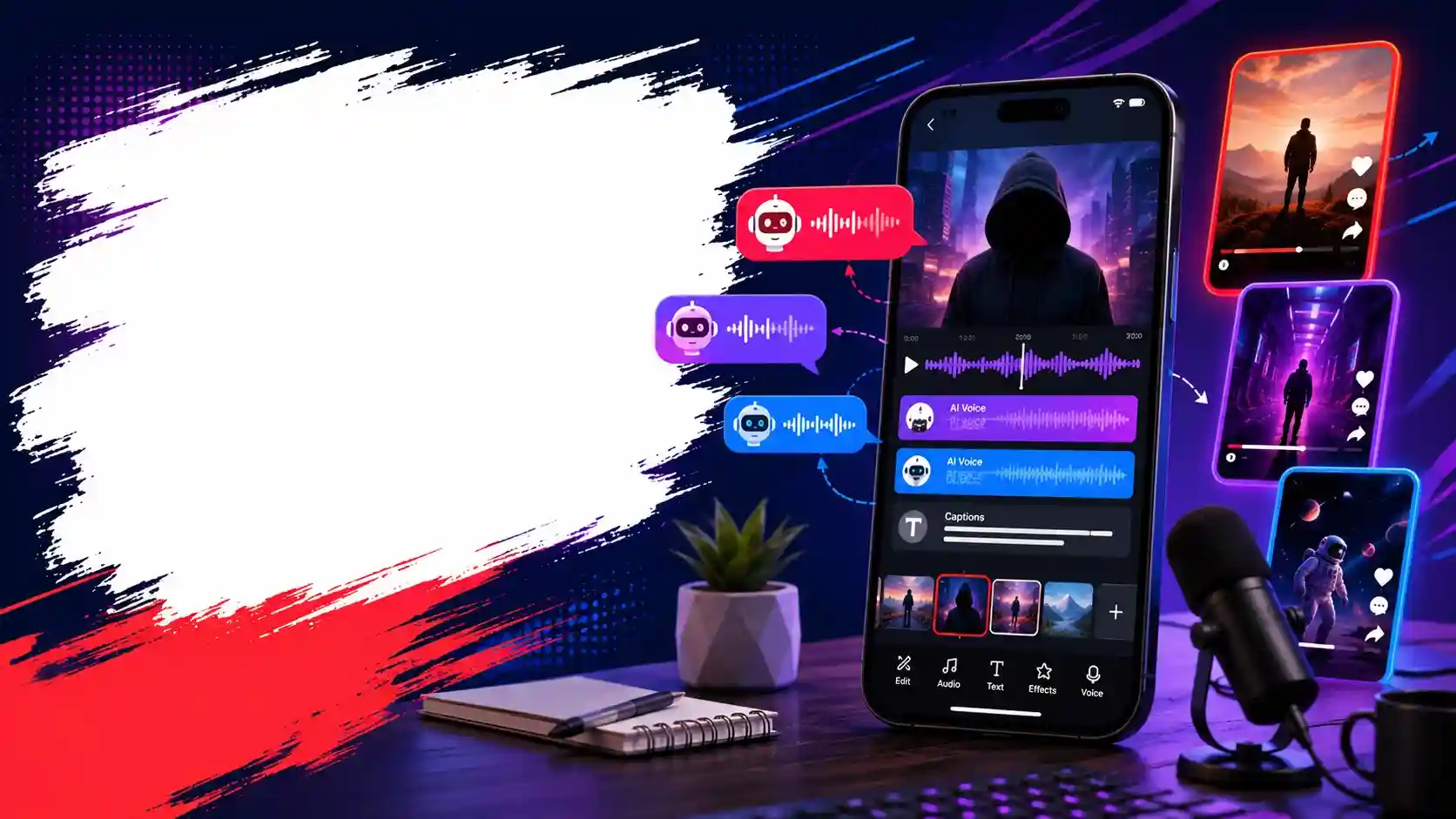
Why Realistic Audio Isn’t Enough for Shorts
A realistic voice is good. But for Shorts, realistic is not always enough.
I have tested slow, clean, documentary-style AI voices. They sound premium, but they often feel too flat for short-form videos. That type of voice works better for long explainers, story videos, reviews, or calm narration.
Shorts are different. A faceless YouTube Short needs speed. It needs punch. It needs a voice that feels like it is pushing the viewer to watch the next second.
That is why energetic AI voices for Reels and Shorts usually perform better than slow narration voices.
My simple rule is this: if the voice sounds good at 1.1x speed, it is probably better for Shorts. If it only sounds good slowly, I save it for long-form.
Top 3 Free AI Voice Generators for Faceless Shorts
I kept this list short on purpose. Shorts creators need speed, captions, and clean export — not a giant list of tools they will never test.
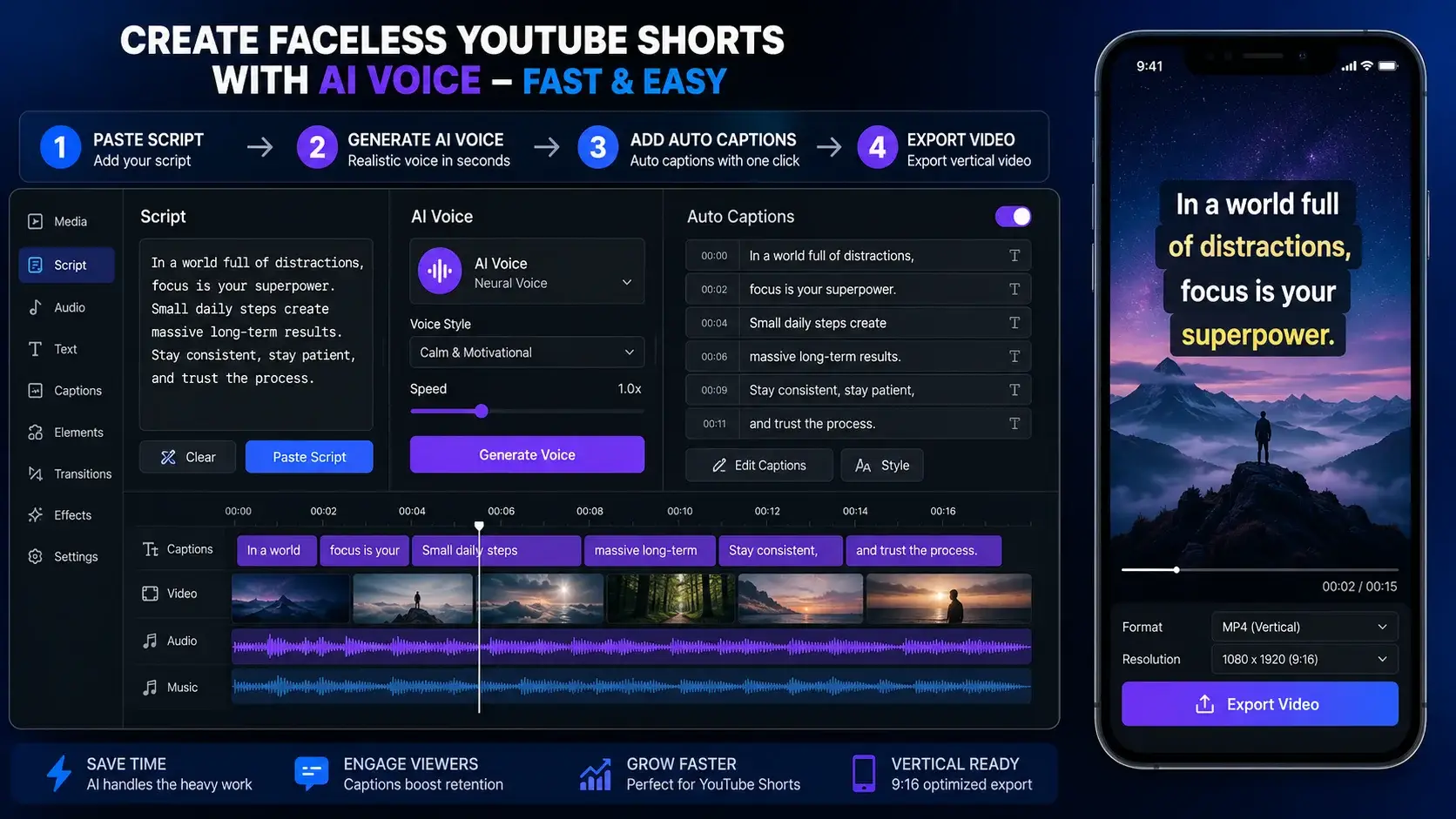
1. CapCut AI Voice Text to Speech
CapCut is my first pick when I want the fastest Short workflow.
The reason is simple: I do not need to jump between five tools. I can paste the script, generate the AI voice, add auto-captions, cut clips, add effects, and export inside the same editor.
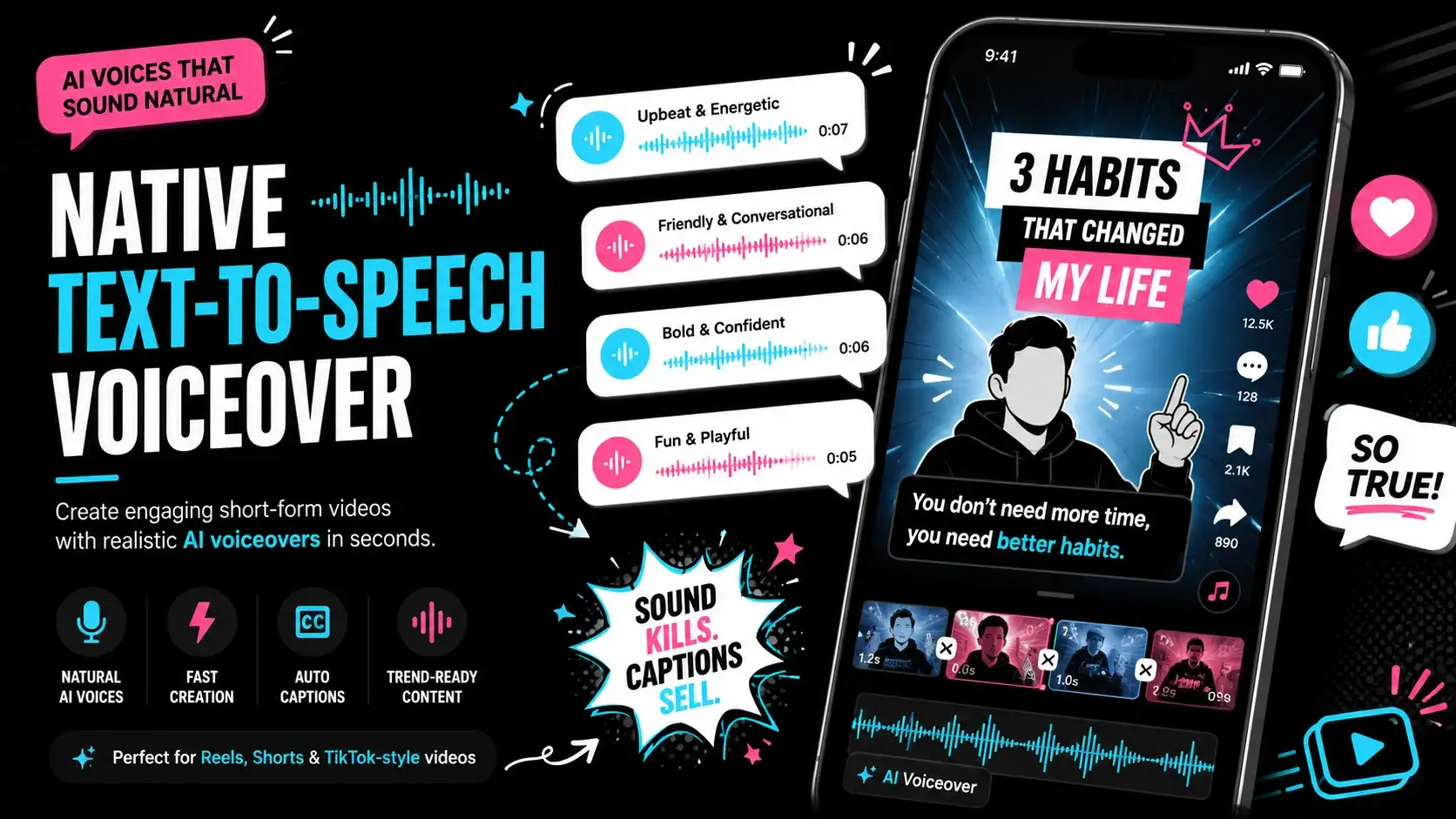
2. TikTok Native Text-to-Speech
TikTok’s native TTS is not my first pick for YouTube-only creators, but it is very useful if you also post on TikTok or Reels.
The biggest advantage is platform-native style. TikTok voices often feel familiar to short-form viewers.
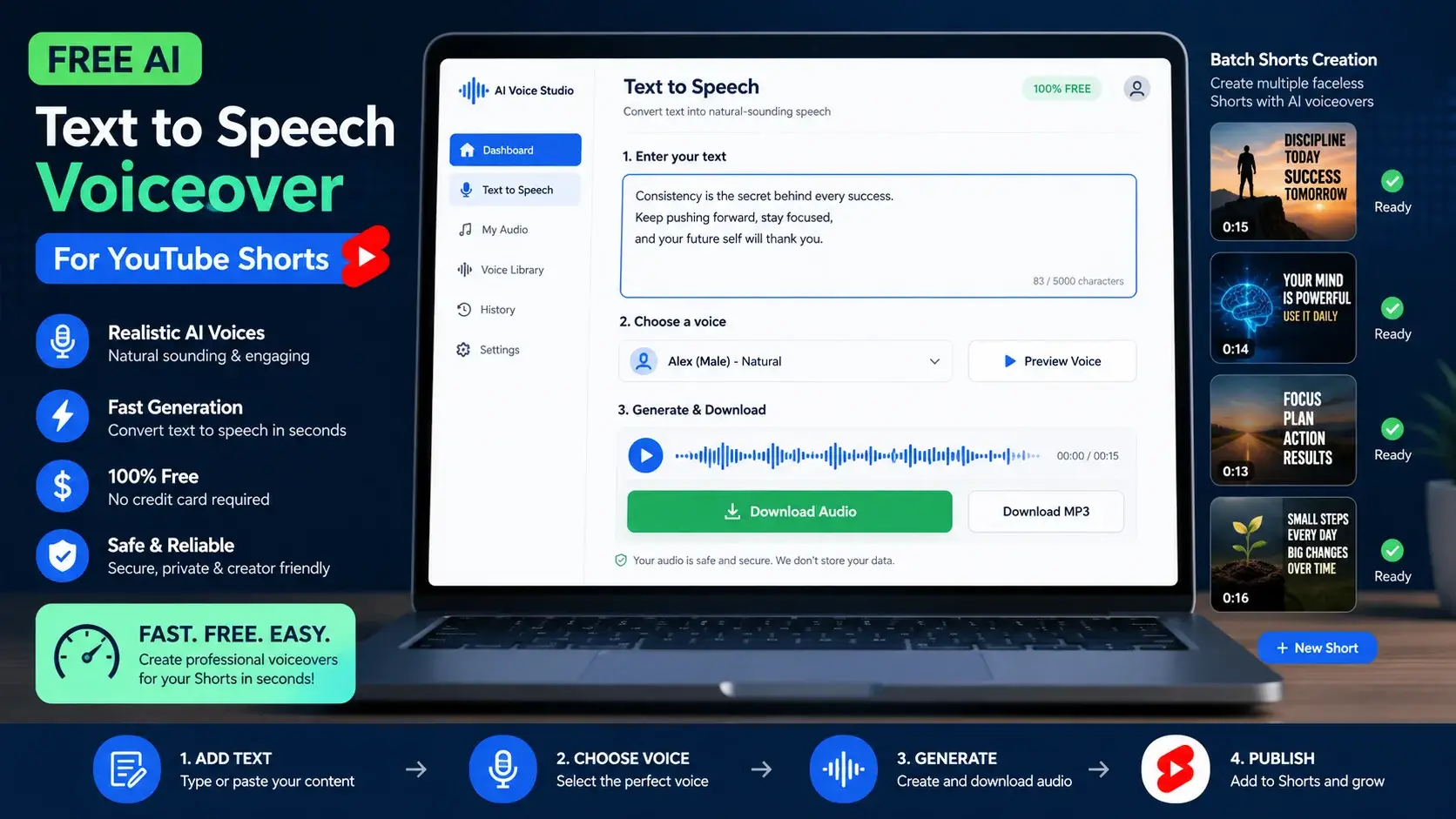
3. TTSMaker
TTSMaker is my pick when I want a separate audio file quickly.
It is useful when I want to generate the voiceover first, download it, and then edit in CapCut, VN, Premiere, or another tool.
Step-by-Step: The CapCut Viral Voice Workflow
Here is the exact workflow I use when I want a fast Short without recording my full voiceover.
Write a 90–140 Word Script
Start with one sharp hook. Example: “Most creators lose viewers before the first caption finishes.”Paste the Script Into CapCut Text
Break it into small lines. Short lines are easier to sync with captions, zooms, b-roll, and sound effects.Apply an Energetic AI Voice
Use CapCut AI voice text to speech. Test normal speed and slightly faster speed. Pick the version that sounds clear, sharp, and energetic.Add Auto-Captions and Sync Cuts
Add captions after generating the voice. Remove dead pauses, add zooms on key words, and export in 9:16 vertical format.Monetization Note for Faceless Shorts Creators
Yes, you can use AI voice in faceless YouTube Shorts. But the content should still feel original and useful.
Do not only generate random videos with AI voice and stock clips. Add your own script, useful editing, original structure, better examples, and a strong hook.
For safety, review YouTube’s official monetization policy here: YouTube Channel Monetization Policies.
Frequently Asked Questions
1. Which free AI voice is best for YouTube Shorts?
CapCut is best for most Shorts creators because AI voice, captions, editing, and export are in one place. TTSMaker is better if you want downloadable audio first.
2. Can I monetize faceless YouTube Shorts with AI voice?
Yes, but the content should be original, useful, and not mass-produced. Low-effort repetitive videos can create monetization risk.
3. Does CapCut AI voice have a watermark?
CapCut’s AI voice itself is not usually the watermark issue. Check your export settings, template use, and whether any premium asset or branded ending is added.
Final Thoughts
If I had to pick only one tool for faceless Shorts, I would start with CapCut. It is fast, beginner-friendly, and keeps the voice, captions, and editing in one workflow.
But if I want to batch-create voiceovers, I would keep TTSMaker ready as a backup.
The real winner is not the tool. The real winner is the workflow. A strong hook, energetic voice, fast captions, and clean editing can make a simple faceless Short feel much more watchable.
2 thoughts on “Best Free AI Voice Generators for Faceless YouTube Shorts”